Create White Background Product Images Without Photoshop
Four practical ways to get clean white-background product images for marketplaces, catalogs, and Shopify product pages.
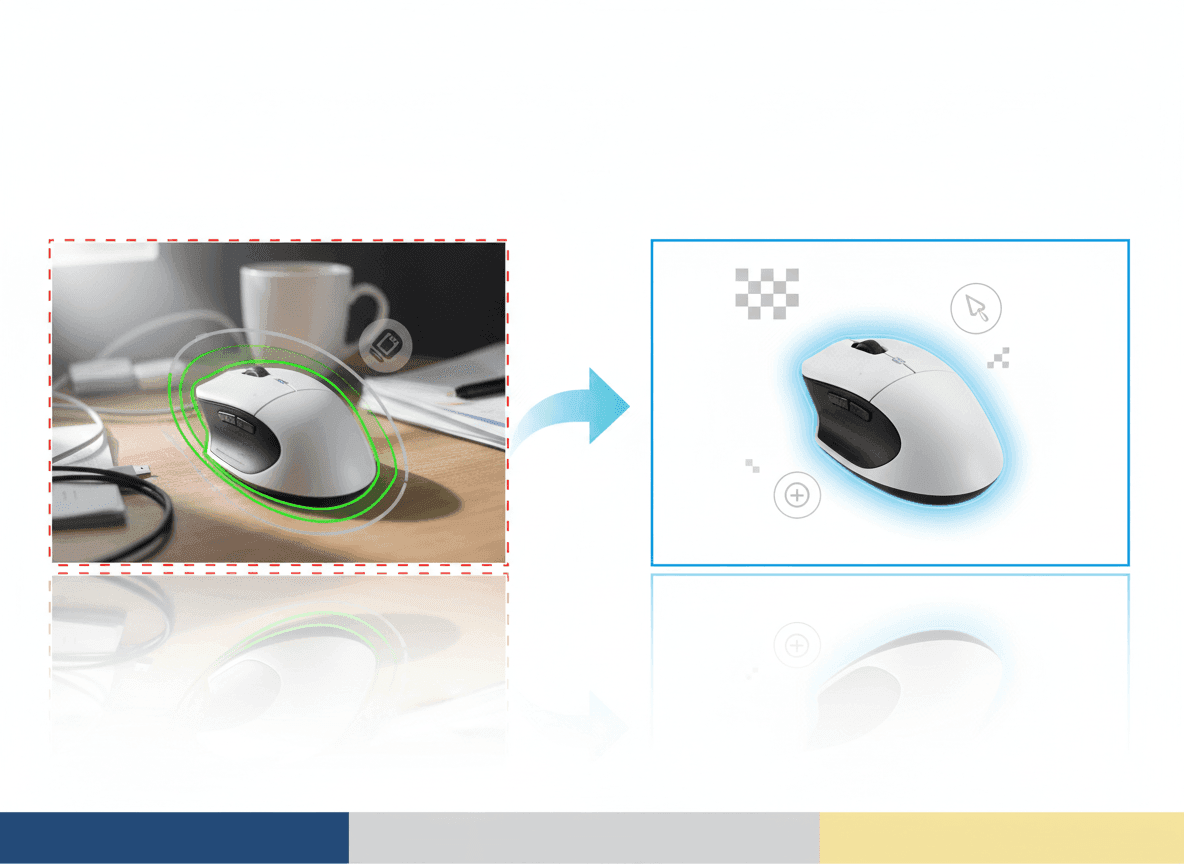
Why White Backgrounds Still Matter
White-background images are still the safest default for marketplace hero shots and catalog pages because they keep attention on the product and reduce review risk.
Your Options
You can shoot against paper, use background-removal software, outsource clipping, or use AI image tools that preserve the product while rebuilding the background.
- Paper sweeps are simple but require lighting control.
- Manual clipping is precise but slow at catalog scale.
- Basic removal tools can leave halos around edges.
- AI workflows can combine cleanup, crop, and lighting in one pass.
Check the Edges
Transparent, shiny, fuzzy, and white products need extra review. Zoom in and check for halos, missing corners, gray shadows, and color shifts before publishing.
When to Use ListingKit
Use ListingKit when you need many clean white-background outputs quickly and want the image to remain product-focused rather than stylized like generic AI art.
Ready to make the next listing image?
Use ListingKit to keep the product reference, channel settings, crop, and background in one workflow.
Start generating