GuidesMar 18, 2026
Best Shopify Product Image Sequence for Collections, PDPs, and Ads
How to decide which product image belongs first, which images support the sale, and which crops work better for ads.
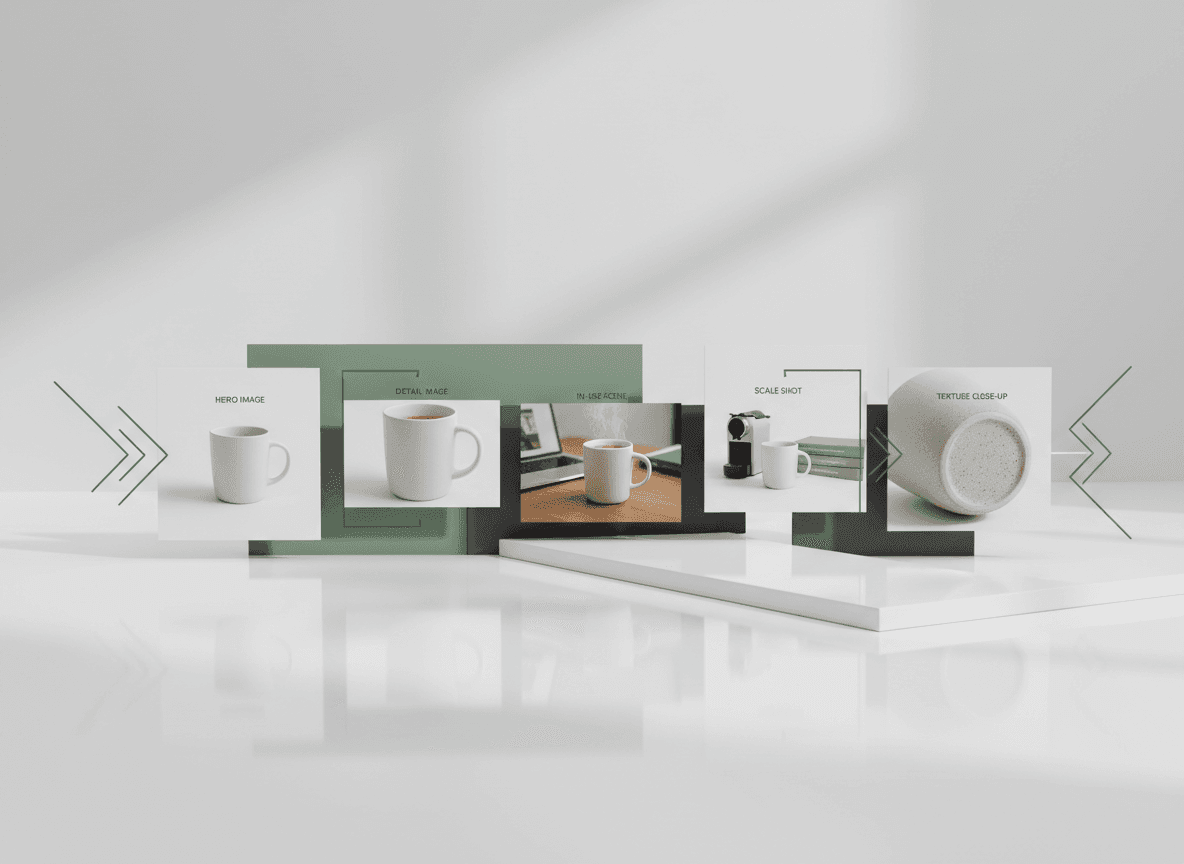
Each Image Has a Job
The first image should identify the product instantly. Supporting images should answer objections, show scale, explain details, and make the product feel desirable.
A Reliable Shopify Sequence
Start with a clean hero, follow with a secondary angle, show the product in use, include detail closeups, then add packaging or size context when relevant.
- Collection image: clean, readable, consistent.
- PDP first image: strongest product-only shot.
- PDP support images: details, scale, use, variants.
- Ads: punchier crop with one clear idea.
Keep Variants Aligned
If the same product comes in multiple colors, keep angle, crop, and background consistent so shoppers compare the variant rather than the photography.
Ready to make the next listing image?
Use ListingKit to keep the product reference, channel settings, crop, and background in one workflow.
Start generating