GuidesMar 19, 2026
Improve Ecommerce Product Images Without Reshooting the Whole Catalog
A step-by-step way to improve weak product images through crop, lighting, background cleanup, and image sequencing.
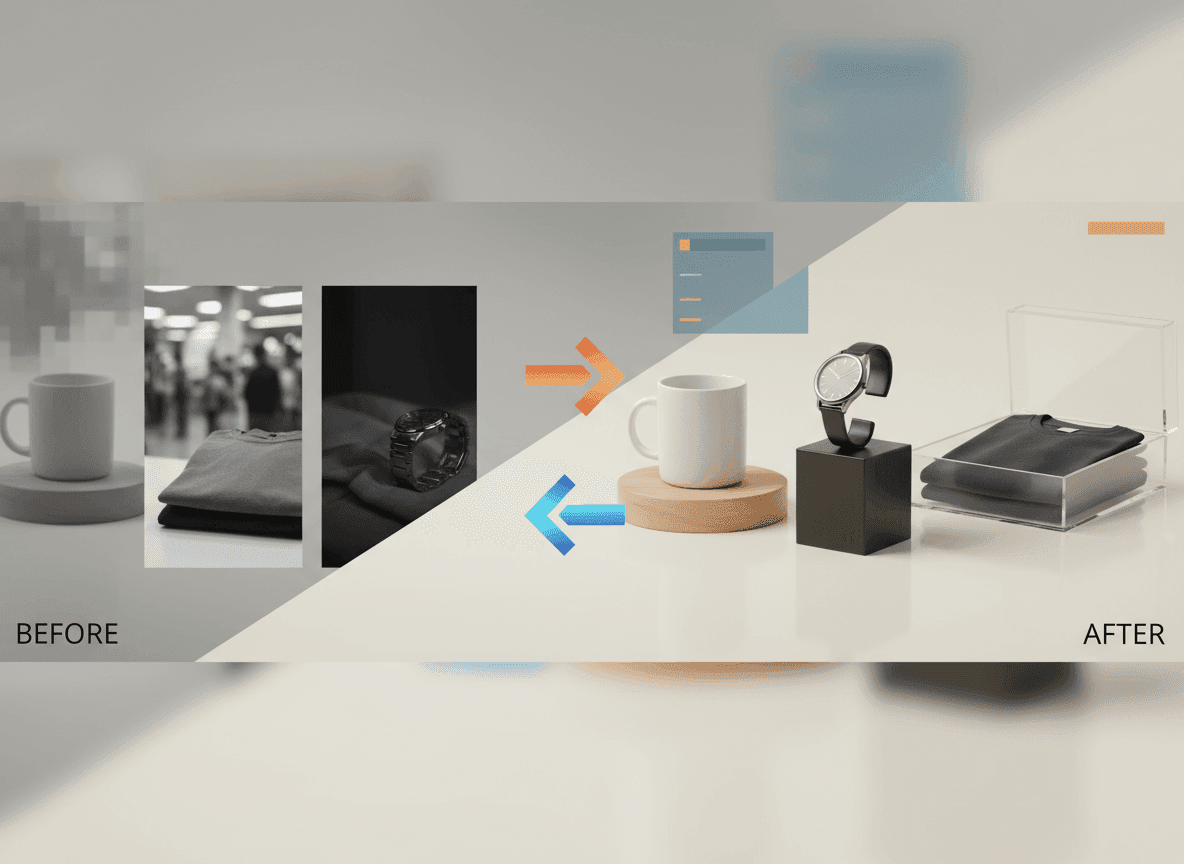
Audit Before You Reshoot
A catalog may look weak because of inconsistent crops, dull lighting, mixed backgrounds, or bad ordering—not because every product needs a new photoshoot.
Fix the Highest-Leverage Problems
Start with the first image, then fix variants and best sellers. Standardize crop, remove distracting backgrounds, brighten the product, and add a clear secondary image where shoppers need context.
- Clean the hero image first.
- Keep product scale consistent across variants.
- Use lifestyle scenes only when they clarify use.
- Replace confusing gallery order with a deliberate sequence.
Use AI for Catalog Consistency
ListingKit can rebuild a more consistent look from imperfect source photos, which is usually faster than reshooting a long tail of SKUs.
Ready to make the next listing image?
Use ListingKit to keep the product reference, channel settings, crop, and background in one workflow.
Start generating