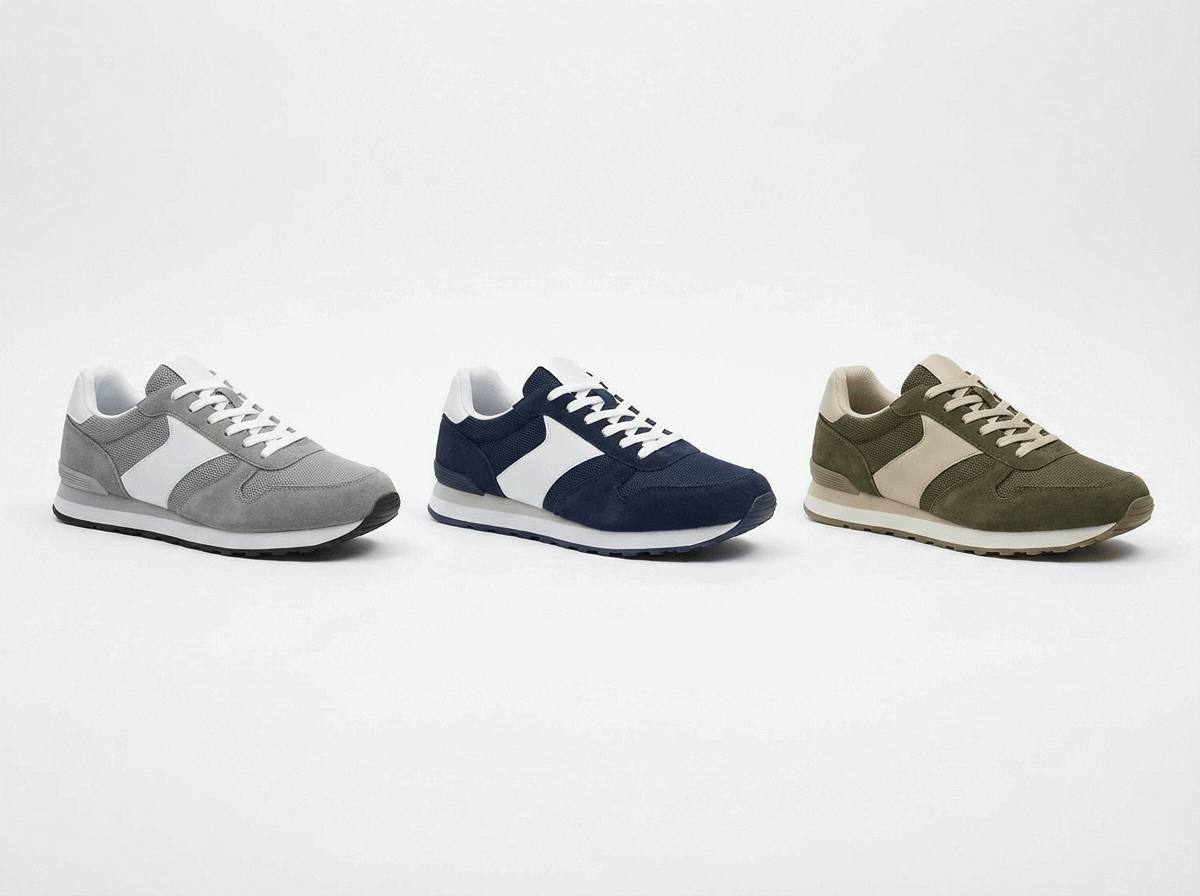
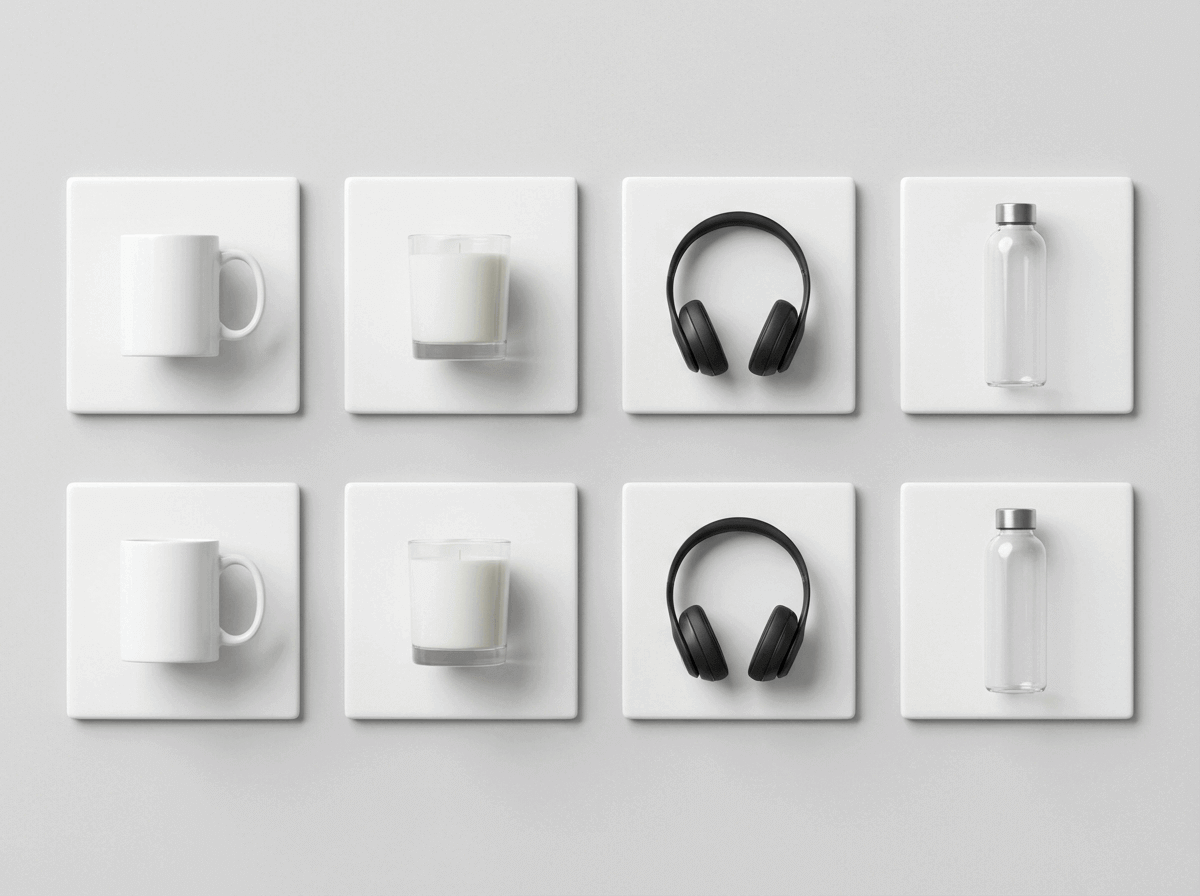
Cleaner hero images
Plain backgrounds and centered framing for conservative marketplace uploads.
Upload a product reference and make cleaner images for Amazon, Shopify, Etsy, and your own store. ListingKit keeps the workflow focused on seller tasks, not open-ended image prompts.
Use presets first, then adjust with chat when the product needs it.
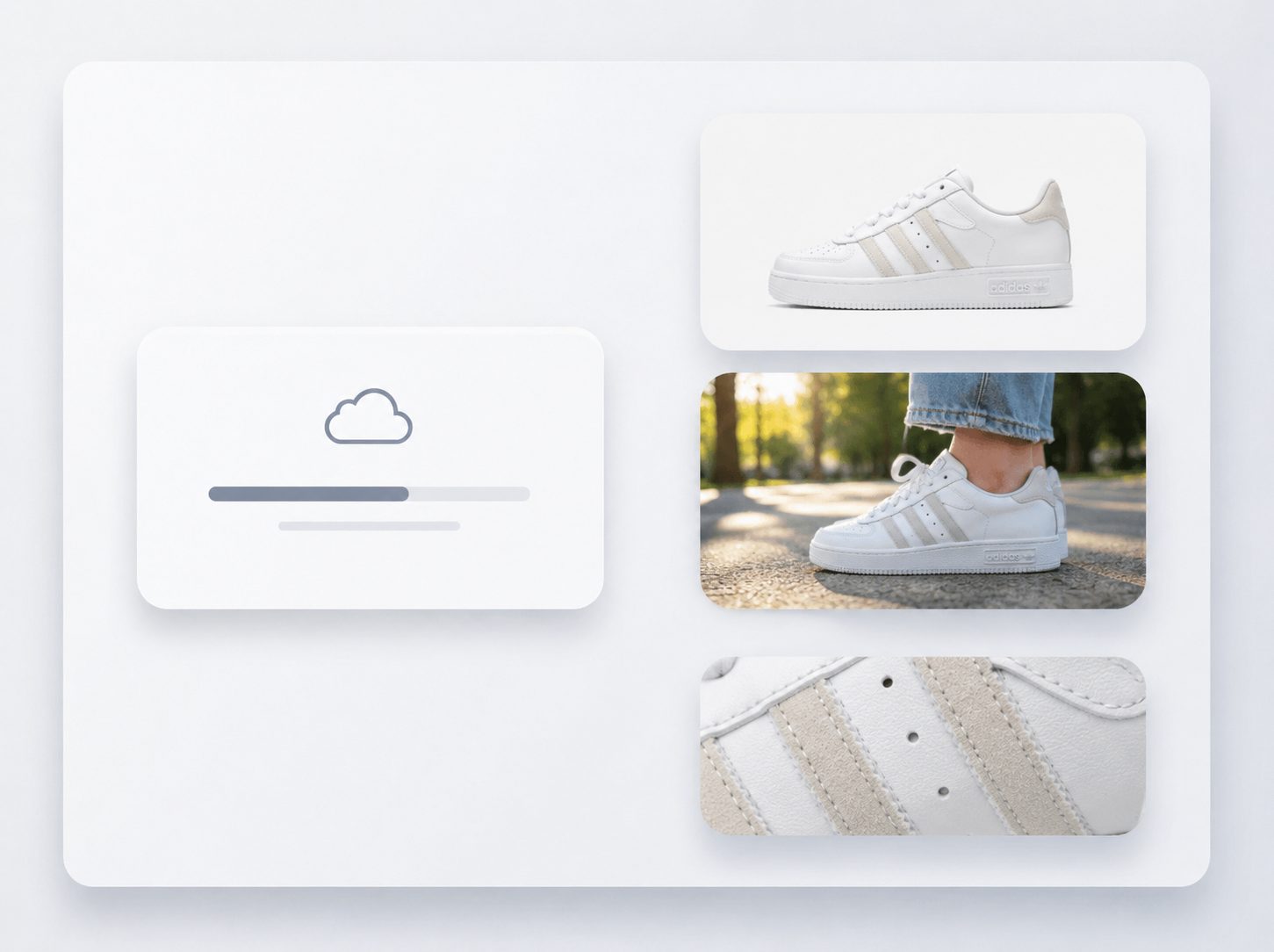
Clean up product photos, keep catalog images consistent, and avoid arranging a new shoot for every update.
Plain backgrounds and centered framing for conservative marketplace uploads.
Give colorways, bundles, and related SKUs the same crop, angle, and finish.
Update launches, seasonal pages, and storefront images from product references you already have.

Use Cases
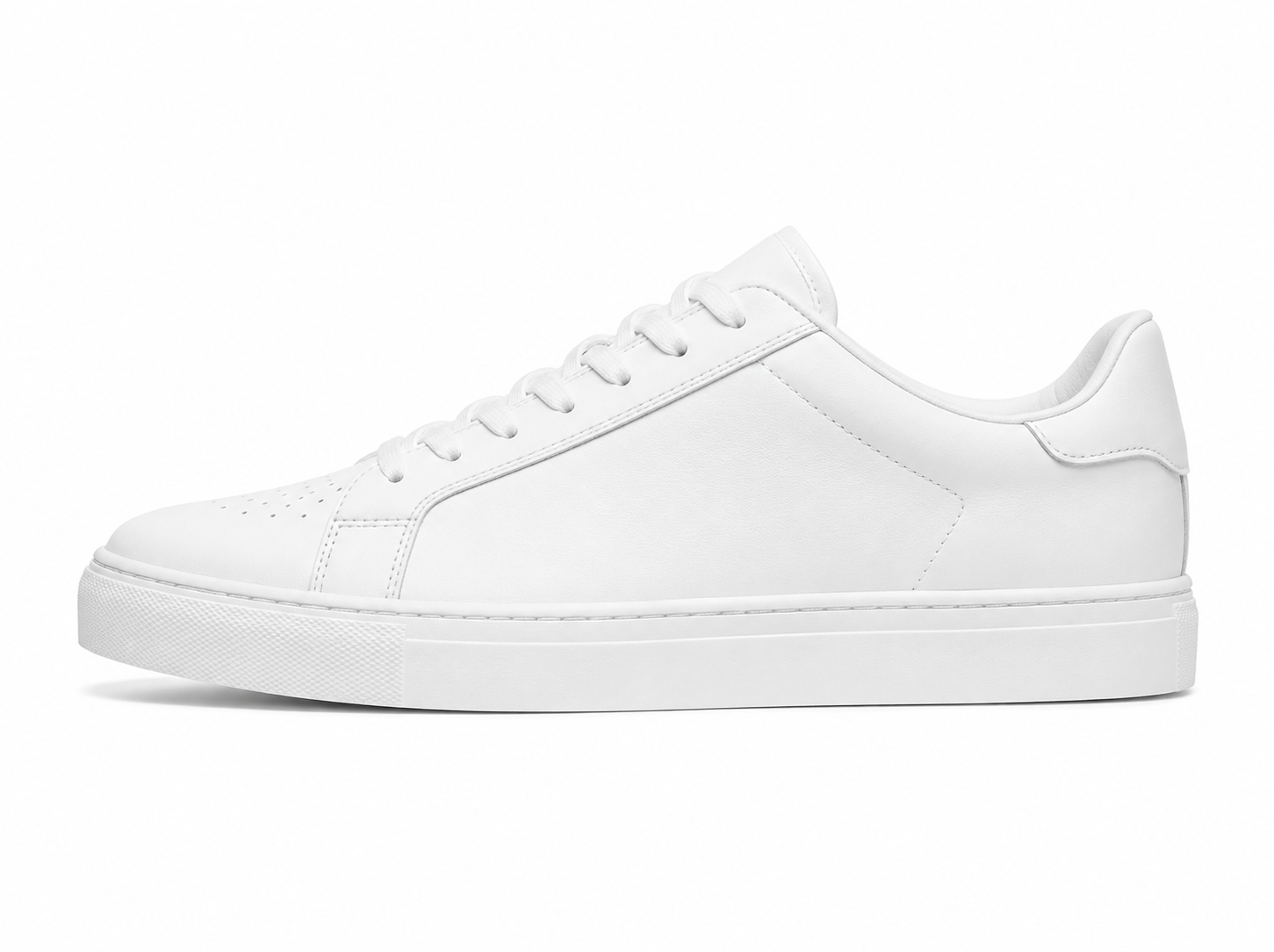
Prepare first images, lifestyle scenes, details, and variant sets for the channels where you sell.
Plain first-image crops for search cards and product pages.
Scene images that show how the product fits into a real setting.
Tighter views for texture, material, labels, and small features.
Keep angle and crop consistent across related products.
Seller workflow
Start with a reference image, choose the channel settings, and generate a small batch to review.
Use a product reference, packshot, or supplier photo.
Pick the selling channel and the type of image you need.
Review the generated options, then download the ones you want.
Browse first-image, lifestyle, and detail examples before choosing the style for your own product.
Short answers about prompts, review, source photos, credits, and commercial use.
No. ListingKit is designed around seller workflows, structured product inputs, and presets instead of open-ended prompting.
No tool can guarantee approval. ListingKit gives you a cleaner starting point, but you still need to check the final image against each marketplace's rules.
Yes. Start with your own product reference images so the generated assets stay grounded in the real item.
Every generation run costs 2 credits, regardless of quality, resolution, or output count. Credits are shown before generation so each run is predictable.
ListingKit is built for commercial seller workflows. Make sure your source images, product claims, and final listing content are yours to use.
Still have questions? Email support@listingkit.ai.
Use a product reference, select the settings, and download the outputs that fit your listing.